
Advanced concepts
Here are some of the more advanced concepts regarding Cairo Debugger.
Debug configuration in VSCode
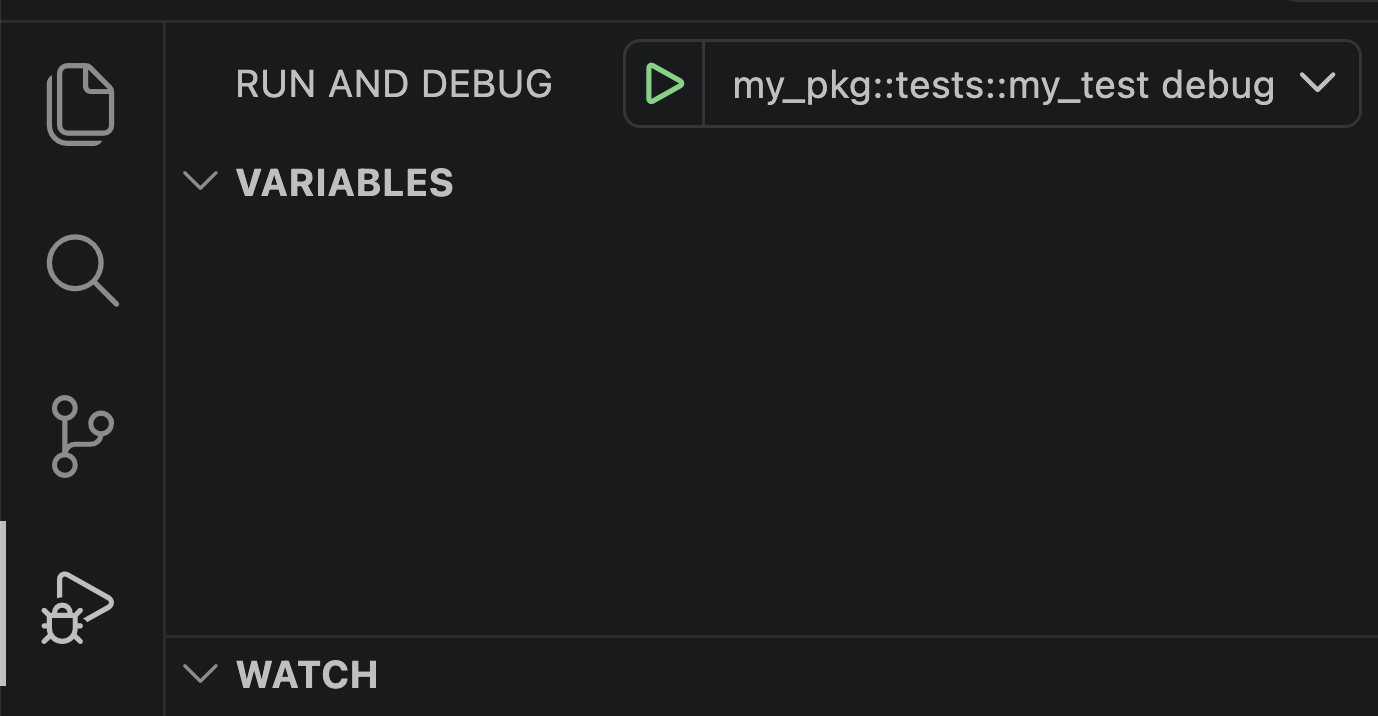
As an alternative to ▶ Debug Test code lens, you can create your custom configuration in .vscode/launch.json, for example:
json
{
    "version": "0.2.0",
    "configurations": [
        {
            "type": "cairo",
            "request": "launch",
            "name": "my_pkg::tests::my_test debug",
            "program": "snforge test --package my_pkg --launch-debugger --exact my_pkg::tests::my_test",
            "processCwd": "${workspaceFolder}"
        }
    ]
}
and use the Run and Debug view (Ctrl+Shift+D / Cmd+Shift+D):
Configuration attributes
| Attribute | Type | Req | Description |
|---|---|---|---|
type | string | ✅ | Must be "cairo". Identifies the debugger type to VS Code. |
request | string | ✅ | Must be "launch" - "attach" is not supported. |
name | string | ✅ | Display name shown in the Run and Debug view. |
program | string | ✅ | Command used to start the debug session. The first whitespace-delimited token is the executable; the remaining tokens are passed as arguments. Example: snforge test --launch-debugger --exact my_pkg::tests::my_test. |
processCwd | string | Working directory for program. Defaults to the first workspace folder. | |
logLevel | "off" | "error" | "warn" | "info" | "debug" | "trace" | Verbosity of the debugger adapter logs. Defaults to "warn". | |
programExtraEnv | object | Extra environment variables passed to program. Keys are variable names; values must be strings or numbers. |
You can read more about debug configurations here.