
@typegpu/three
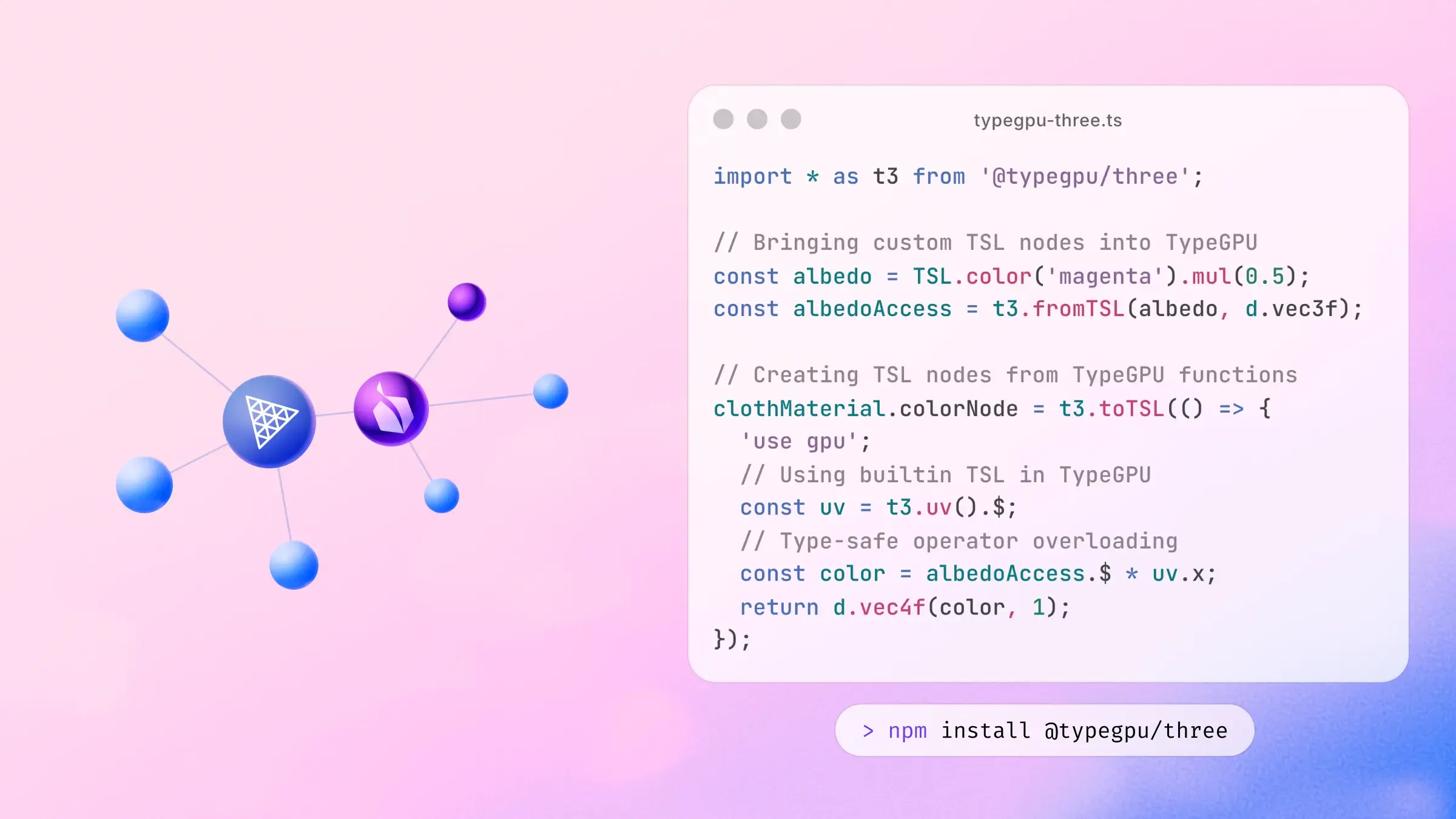
TSL (Three.js Shading Language) is a node-based shader composition system for Three.js. Shader logic and control flow is built up by composing special functions,
with a focus on composability, intuitive sharing of logic across modules and customizability. TypeGPU fits naturally into this system thanks to the @typegpu/three package. You can choose to write your TSL building blocks in TypeGPU, which has a few benefits:
- Control-flow like
ifstatements andforloops makes use of familiar JavaScript syntax instead of special functions. - The code you write is semantically valid JavaScript, with types flowing through each expression.
- Unit-testability, since you can call these functions on the CPU
You can see a direct comparison between TSL and TypeGPU here.
Refer to TypeGPU’s installation guide for setting up TypeGPU if you haven’t already. After that, install Three.js and @typegpu/three using the package manager of your choice.
npm install three @typegpu/threepnpm add three @typegpu/threeyarn add three @typegpu/threeUsing TypeGPU with TSL
Section titled “Using TypeGPU with TSL”Calling t3.toTSL with a TypeGPU function will return a TSL node, which can then be plugged into material properties, or used by other nodes.
import * as import THREE
import t3
const material: THREE.MeshBasicNodeMaterial
import THREE
new MeshBasicNodeMaterial(parameters?: THREE.MeshBasicNodeMaterialParameters): THREE.MeshBasicNodeMaterialexport MeshBasicNodeMaterial
Constructs a new mesh basic node material.
MeshBasicNodeMaterial();
const material: THREE.MeshBasicNodeMaterial
NodeMaterialNodeProperties.colorNode: THREE.Node | null
The diffuse color of node materials is by default inferred from the
color and map properties. This node property allows to overwrite the default
and define the diffuse color with a node instead.
material.colorNode = color( 0xff0000 ); // define red color
If you don't want to overwrite the diffuse color but modify the existing
values instead, use
materialColor
.
material.colorNode = materialColor.mul( color( 0xff0000 ) ); // give diffuse colors a red tint
import t3
function toTSL(fn: () => unknown): THREE.TSL.NodeObject<THREE.Node>export toTSL
import d
function vec4f(x: number, y: number, z: number, w: number): d.v4f (+9 overloads)export vec4f
Schema representing vec4f - a vector with 4 elements of type f32.
Also a constructor function for this vector value.
vec4f(1, 0, 0, 1); // just red});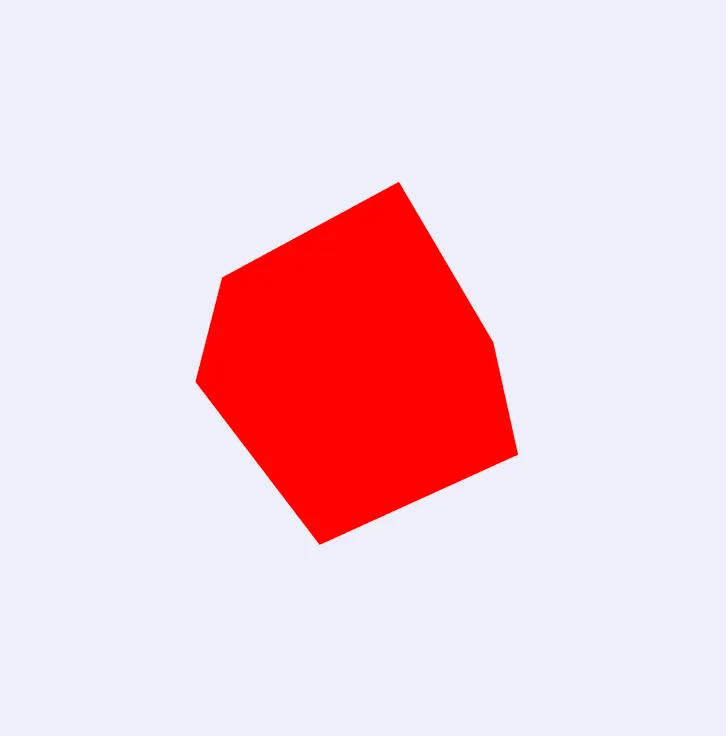
We can use other TSL nodes within TypeGPU functions with t3.fromTSL:
import * as THREE from 'three/webgpu';import * as TSL from 'three/tsl';import * as t3 from '@typegpu/three';
const material = new THREE.MeshBasicNodeMaterial();
const albedo = TSL.color('magenta').mul(0.5);const albedoAccess = t3.fromTSL(albedo, d.vec3f);
material.colorNode = t3.toTSL(() => {  'use gpu';  return d.vec4f(albedoAccess.$, 1);});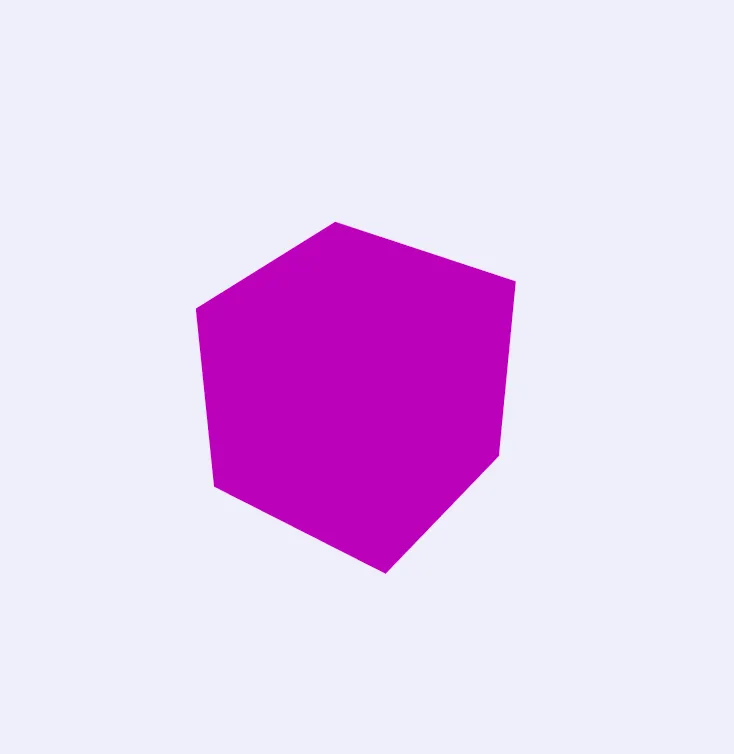
There are a handful of builtin TSL node accessors in the t3 namespace:
import * as import THREE
import t3
const material: THREE.MeshBasicNodeMaterial
import THREE
new MeshBasicNodeMaterial(parameters?: THREE.MeshBasicNodeMaterialParameters): THREE.MeshBasicNodeMaterialexport MeshBasicNodeMaterial
Constructs a new mesh basic node material.
MeshBasicNodeMaterial();
const material: THREE.MeshBasicNodeMaterial
NodeMaterialNodeProperties.colorNode: THREE.Node | null
The diffuse color of node materials is by default inferred from the
color and map properties. This node property allows to overwrite the default
and define the diffuse color with a node instead.
material.colorNode = color( 0xff0000 ); // define red color
If you don't want to overwrite the diffuse color but modify the existing
values instead, use
materialColor
.
material.colorNode = materialColor.mul( color( 0xff0000 ) ); // give diffuse colors a red tint
import t3
function toTSL(fn: () => unknown): THREE.TSL.NodeObject<THREE.Node>export toTSL
const uv: d.v2f
import t3
const uv: (index?: number) => t3.TSLAccessor<d.Vec2f, THREE.AttributeNode>
TSLAccessor<Vec2f, AttributeNode>.$: d.v2f
import d
function vec4f(v0: AnyNumericVec2Instance, z: number, w: number): d.v4f (+9 overloads)export vec4f
Schema representing vec4f - a vector with 4 elements of type f32.
Also a constructor function for this vector value.
vec4f(const uv: d.v2f
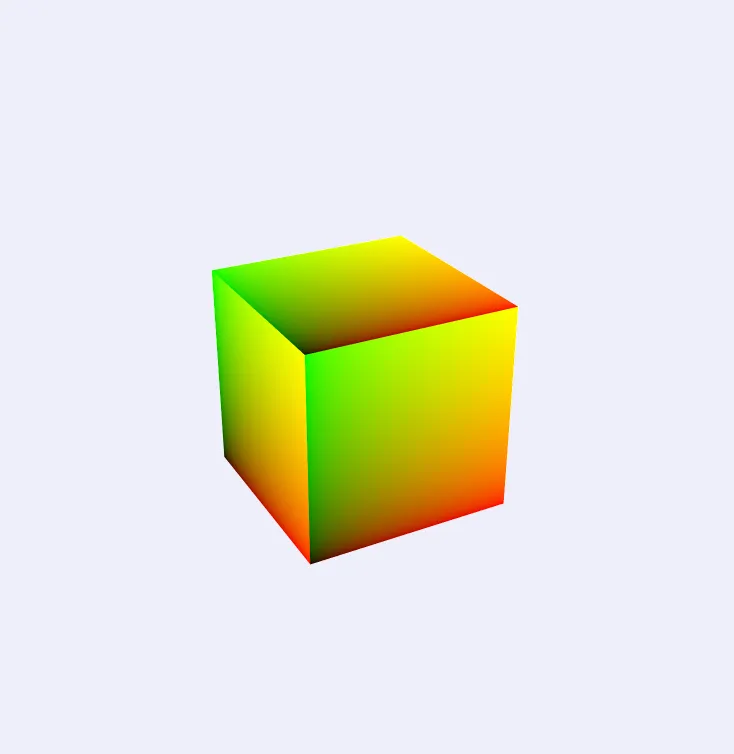
Other TypeGPU functions (user-defined or from libraries) can be called to achieve more complex effects.
import { import perlin3d
import THREE
import t3
const material: THREE.MeshBasicNodeMaterial
import THREE
new MeshBasicNodeMaterial(parameters?: THREE.MeshBasicNodeMaterialParameters): THREE.MeshBasicNodeMaterialexport MeshBasicNodeMaterial
Constructs a new mesh basic node material.
MeshBasicNodeMaterial();
const material: THREE.MeshBasicNodeMaterial
NodeMaterialNodeProperties.colorNode: THREE.Node | null
The diffuse color of node materials is by default inferred from the
color and map properties. This node property allows to overwrite the default
and define the diffuse color with a node instead.
material.colorNode = color( 0xff0000 ); // define red color
If you don't want to overwrite the diffuse color but modify the existing
values instead, use
materialColor
.
material.colorNode = materialColor.mul( color( 0xff0000 ) ); // give diffuse colors a red tint
import t3
function toTSL(fn: () => unknown): THREE.TSL.NodeObject<THREE.Node>export toTSL
const coords: d.v2f
import t3
const uv: (index?: number) => t3.TSLAccessor<d.Vec2f, THREE.AttributeNode>
TSLAccessor<Vec2f, AttributeNode>.$: d.v2f
const pattern: number
import perlin3d
function sample(pos: d.v3f): numberexport sample
import d
function vec3f(v0: AnyNumericVec2Instance, z: number): d.v3f (+5 overloads)export vec3f
Schema representing vec3f - a vector with 3 elements of type f32.
Also a constructor function for this vector value.
vec3f(const coords: d.v2f
import t3
const time: t3.TSLAccessor<d.F32, THREE.Node>
TSLAccessor<F32, Node>.$: number
import d
function vec4f(x: number, y: number, z: number, w: number): d.v4f (+9 overloads)export vec4f
Schema representing vec4f - a vector with 4 elements of type f32.
Also a constructor function for this vector value.
vec4f(import std
function tanh(value: number): number (+1 overload)export tanh
const pattern: number
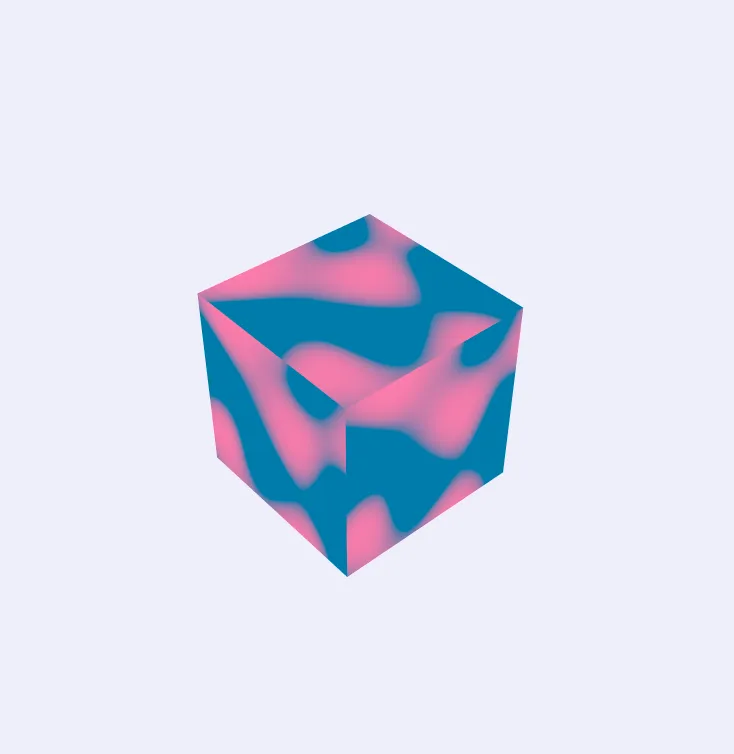
The code and interactive preview of this example can be found here.
Differences between TSL and TypeGPU
Section titled “Differences between TSL and TypeGPU”Below are a select few cases comparing TSL and TypeGPU:
Node definition
Section titled “Node definition”TSL:
const simulate = Fn(() => { // // ... TSL code ... //});TypeGPU:
const const simulate: Node
import t3
function toTSL(fn: () => unknown): NodeObject<Node>export toTSL
Function definition
Section titled “Function definition”TSL:
const oscSine = Fn(([t = time]) => { return t.add(0.75).mul(Math.PI * 2).sin().mul(0.5).add(0.5);});TypeGPU:
const const oscSine: (t: number) => number
t: number
import std
function sin(value: number): number (+1 overload)export sin
t: number
var Math: Math
An intrinsic object that provides basic mathematics functionality and constants.
Math.Math.PI: number
Pi. This is the ratio of the circumference of a circle to its diameter.
PI * 2) * 0.5 + 0.5;};If statements
Section titled “If statements”TSL:
If(instanceIndex.greaterThanEqual(uint(vertexCount)), () => { Return();});TypeGPU:
if (import t3
const instanceIndex: t3.TSLAccessor<U32, IndexNode>
TSLAccessor<U32, IndexNode>.$: number
const vertexCount: number
For loops
Section titled “For loops”TSL:
Loop({ start: ptrStart, end: ptrEnd, type: 'uint', condition: '<' }, ({ i }) => { const springId = springListBuffer.element( i ).toVar( 'springId' ); const springForce = springForceBuffer.element( springId ); const springVertexIds = springVertexIdBuffer.element( springId ); const factor = select( springVertexIds.x.equal( instanceIndex ), 1.0, - 1.0 ); force.addAssign( springForce.mul( factor ) );});TypeGPU:
for (let let i: number
const ptrStart: number
let i: number
const ptrEnd: number
let i: number
const springId: number
const springListBuffer: TSLStorageAccessor<d.WgslArray<d.U32>>
TSLAccessor<WgslArray<U32>, StorageBufferNode>.$: number[]
let i: number
const springForce: d.v3f
const springForceBuffer: TSLStorageAccessor<d.WgslArray<d.Vec3f>>
TSLAccessor<WgslArray<Vec3f>, StorageBufferNode>.$: d.v3f[]
const springId: number
const springVertexIds: d.v2u
const springVertexIdBuffer: TSLStorageAccessor<d.WgslArray<d.Vec2u>>
TSLAccessor<WgslArray<Vec2u>, StorageBufferNode>.$: d.v2u[]
const springId: number
const factor: number
import std
function select(f: number, t: number, cond: boolean): number (+2 overloads)export select
Returns t if cond is true, and f otherwise.
Component-wise if cond is a vector.
select(-1, 1, const springVertexIds: d.v2u
v2u.x: number
const idx: number
let force: d.v3f
const springForce: d.v3f
const factor: number