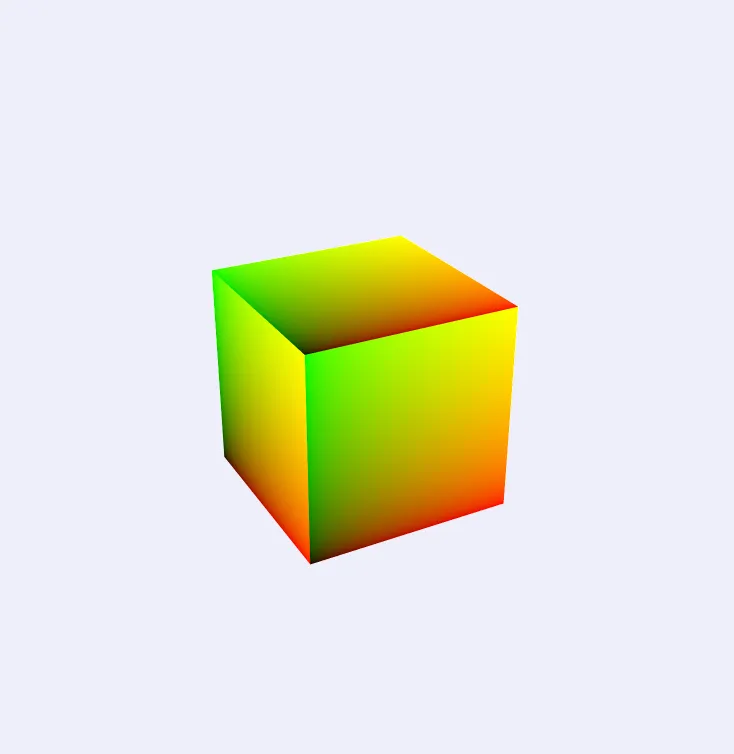
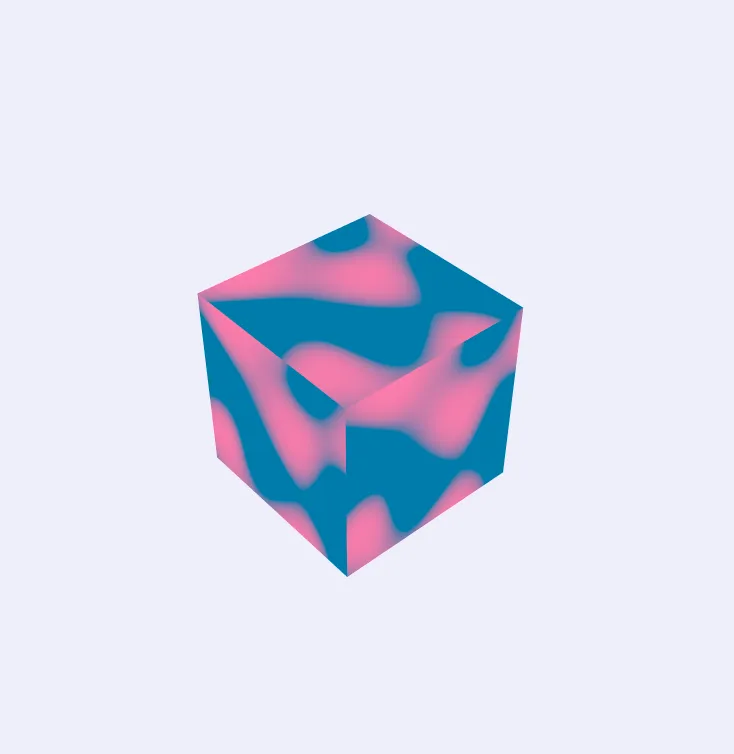
TSL (Three.js Shading Language) is a node-based shader composition system for Three.js. Shader logic and control flow is built up by composing special functions,
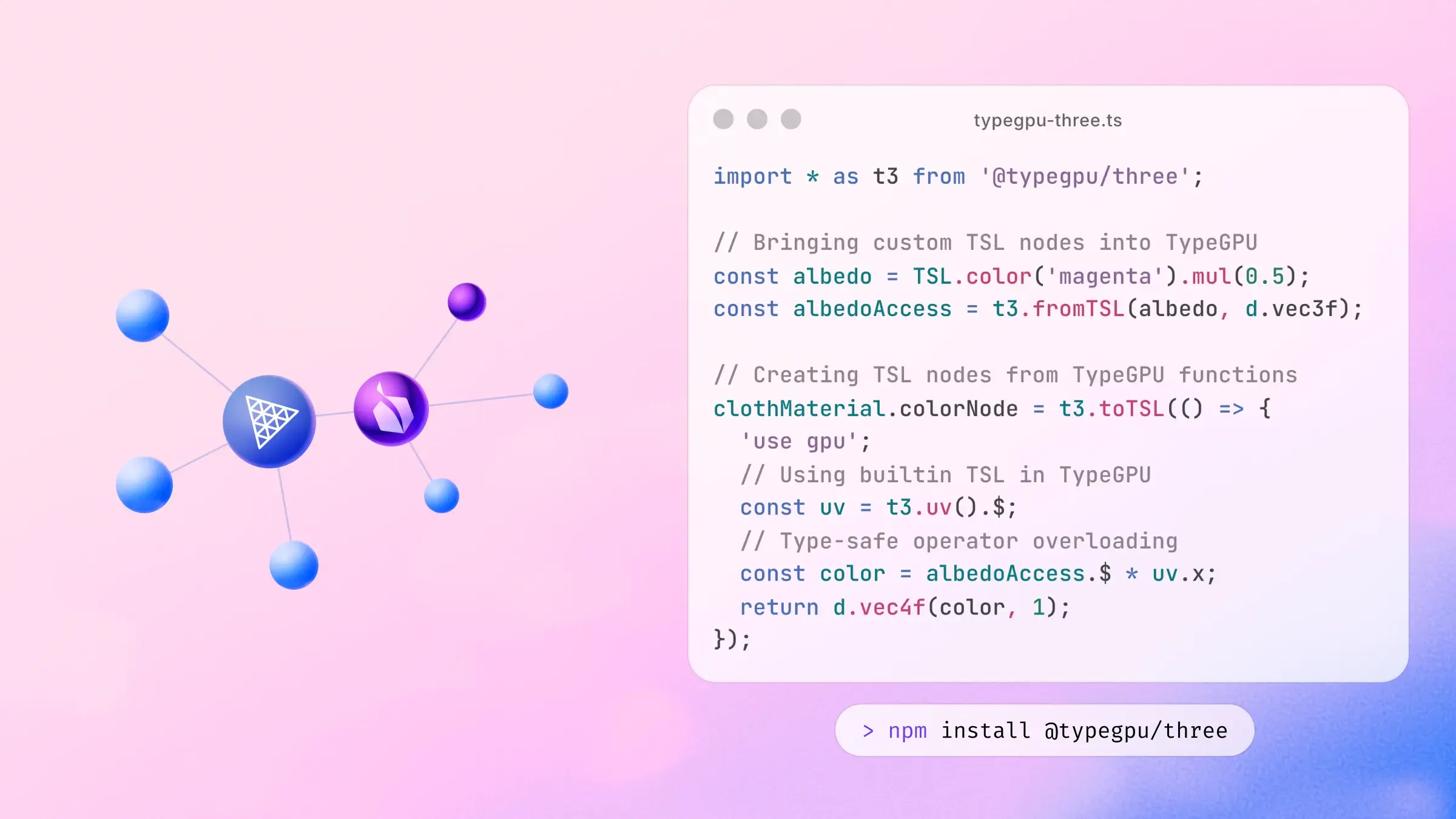
with a focus on composability, intuitive sharing of logic across modules and customizability. TypeGPU fits naturally into this system thanks to the @typegpu/three package. You can choose to write your TSL building blocks in TypeGPU, which has a few benefits:
Control-flow like if statements and for loops makes use of familiar JavaScript syntax instead of special functions.
The code you write is semantically valid JavaScript, with types flowing through each expression.
Unit-testability, since you can call these functions on the CPU
Refer to TypeGPU’s installation guide for setting up TypeGPU if you haven’t already.
After that, install Three.js and @typegpu/three using the package manager of your choice.
The diffuse color of node materials is by default inferred from the
color and map properties. This node property allows to overwrite the default
and define the diffuse color with a node instead.
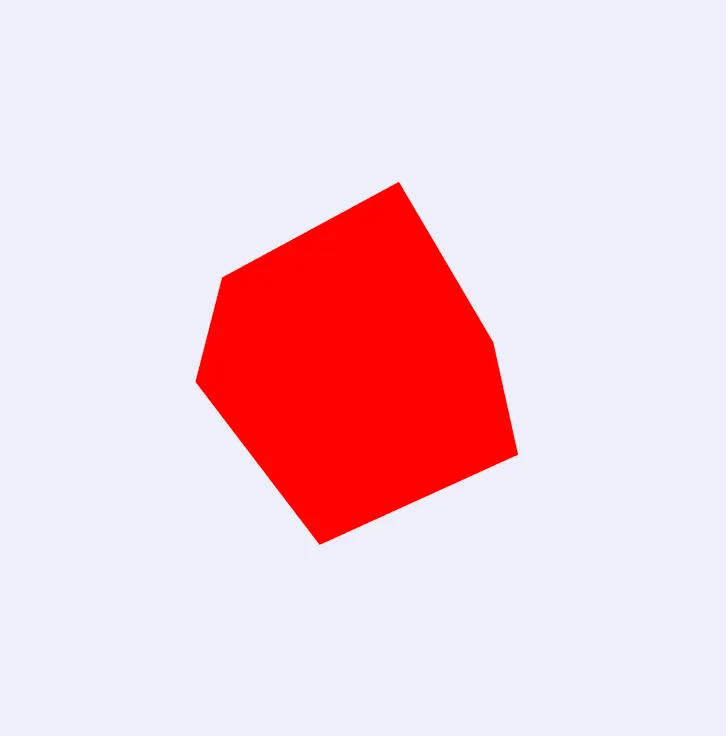
material.colorNode=color( 0xff0000 ); // define red color
If you don't want to overwrite the diffuse color but modify the existing
values instead, use
materialColor
.
material.colorNode=materialColor.mul( color( 0xff0000 ) ); // give diffuse colors a red tint
We can use other TSL nodes within TypeGPU functions with t3.fromTSL:
import*as THREE from'three/webgpu';
import*as TSL from'three/tsl';
import*as t3 from'@typegpu/three';
const material = newTHREE.MeshBasicNodeMaterial();
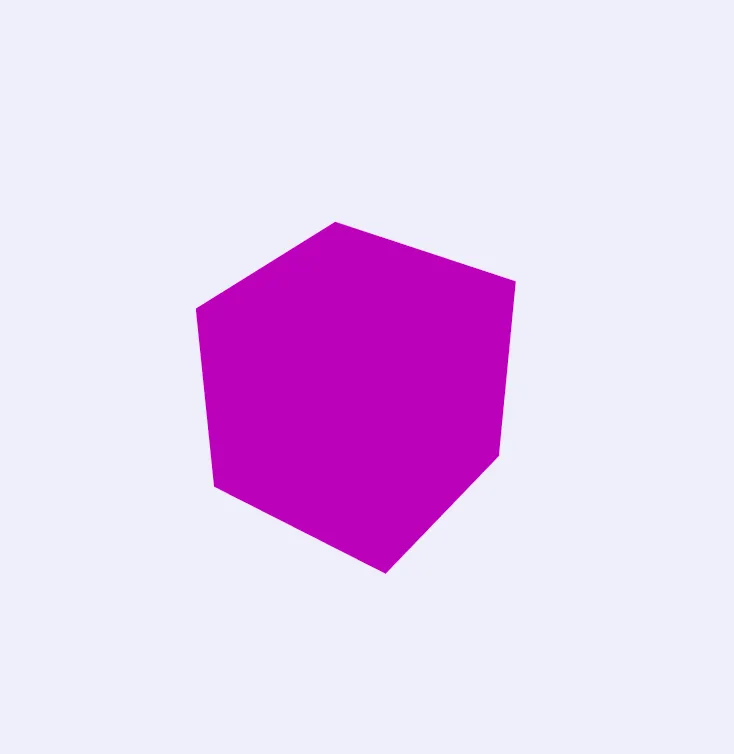
const albedo = TSL.color('magenta').mul(0.5);
const albedoAccess = t3.fromTSL(albedo, d.vec3f);
material.colorNode= t3.toTSL(()=> {
'use gpu';
return d.vec4f(albedoAccess.$, 1);
});
For geometry attributes, t3.attribute is a typed shorthand that creates the TSL attribute
node and makes it available to TypeGPU using the supplied schema:
The local vertex positions are computed based on multiple factors like the
attribute data, morphing or skinning. This node property allows to overwrite
the default and define local vertex positions with nodes instead.
If you don't want to overwrite the vertex positions but modify the existing
values instead, use
This is equivalent to t3.fromTSL(TSL.attribute('position', 'vec3'), d.vec3f),
with the corresponding TSL node type inferred from the TypeGPU schema.
Similarly, t3.uniform creates a Three.js uniform and exposes it as a typed TypeGPU
accessor. Its value can be updated through the underlying uniform node:
The diffuse color of node materials is by default inferred from the
color and map properties. This node property allows to overwrite the default
and define the diffuse color with a node instead.
material.colorNode=color( 0xff0000 ); // define red color
If you don't want to overwrite the diffuse color but modify the existing
values instead, use
materialColor
.
material.colorNode=materialColor.mul( color( 0xff0000 ) ); // give diffuse colors a red tint
This is equivalent to t3.fromTSL(TSL.uniform(value, nodeType), schema). For uniform
arrays, use t3.uniformArray(values, elementSchema) and access individual elements through
uniforms.$[index] inside TypeGPU code.
Three.js textures can also be imported as typed texture handles. Pass a texture directly to
fromTSL, then use the regular TypeGPU texture functions to load or sample it:
The diffuse color of node materials is by default inferred from the
color and map properties. This node property allows to overwrite the default
and define the diffuse color with a node instead.
material.colorNode=color( 0xff0000 ); // define red color
If you don't want to overwrite the diffuse color but modify the existing
values instead, use
materialColor
.
material.colorNode=materialColor.mul( color( 0xff0000 ) ); // give diffuse colors a red tint
The diffuse color of node materials is by default inferred from the
color and map properties. This node property allows to overwrite the default
and define the diffuse color with a node instead.
material.colorNode=color( 0xff0000 ); // define red color
If you don't want to overwrite the diffuse color but modify the existing
values instead, use
materialColor
.
material.colorNode=materialColor.mul( color( 0xff0000 ) ); // give diffuse colors a red tint
The diffuse color of node materials is by default inferred from the
color and map properties. This node property allows to overwrite the default
and define the diffuse color with a node instead.
material.colorNode=color( 0xff0000 ); // define red color
If you don't want to overwrite the diffuse color but modify the existing
values instead, use
materialColor
.
material.colorNode=materialColor.mul( color( 0xff0000 ) ); // give diffuse colors a red tint