
Generating haptics
From audio
Section titled “From audio”Attach a track and generation starts by itself - there is no Generate button. Nine algorithms each read the same decoded signal and propose a whole pattern, with the point and event count they would produce.
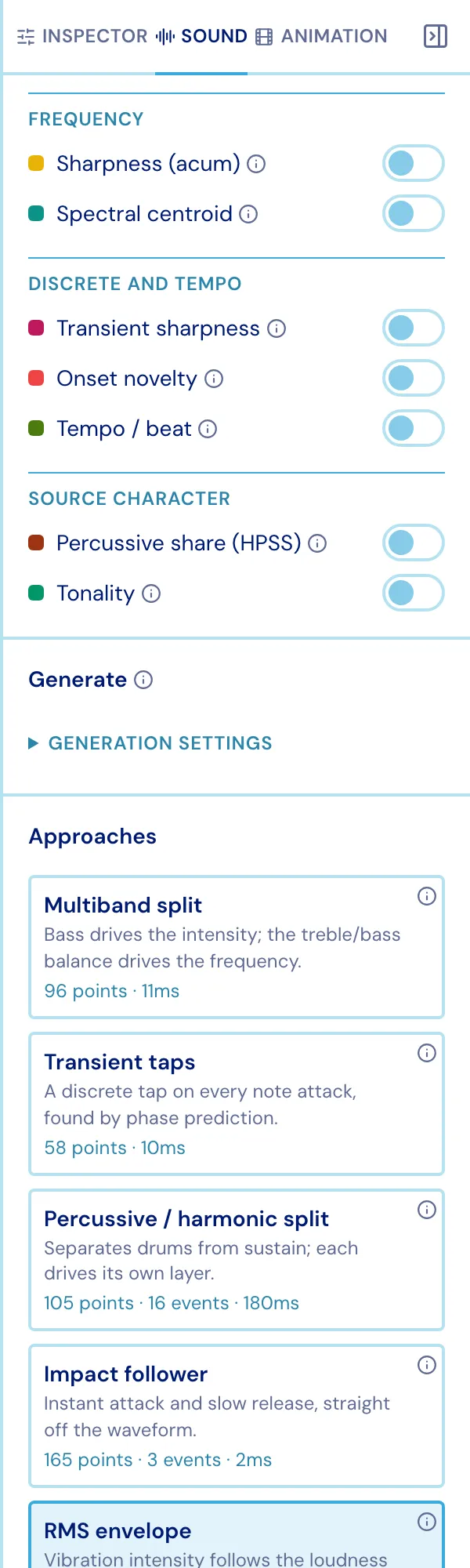
| Approach | Reads |
|---|---|
| RMS envelope | Loudness over time, smoothed |
| Perceptual loudness | Loudness weighted the way hearing actually works |
| Impact follower | Instant attack, slow release - the waveform tracked sample by sample |
| Transient taps | Note attacks found by phase prediction, laid down as discrete taps |
| Beat grid | A tempo estimate, quantized to the beat |
| Percussive / harmonic split | Percussion → taps, tone → envelope |
| Multiband split | Separate bands driving intensity and frequency |
| Melodic transcode | Melodic contour into the frequency layer - shape, not intervals |
| Filter-chain transcode (Android) | Android’s own audio-to-haptics filter chain |
Clicking one puts it on the chart, replacing all three layers - so trying another costs nothing and nothing accumulates.
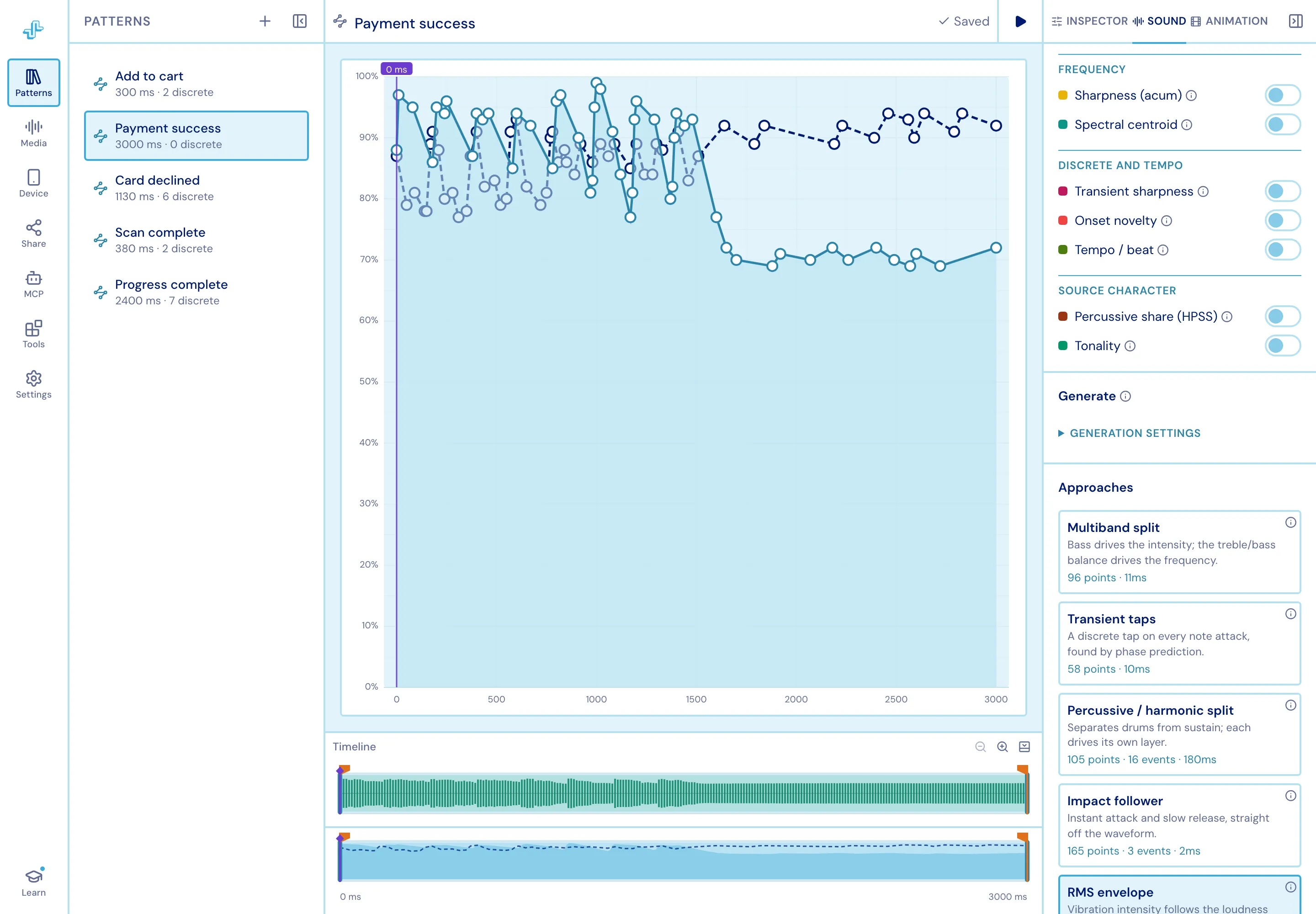
Restore my pattern puts your own work back. If you have edited a generated pattern, switching approach offers to park those edits in a copy first. The choice is saved with the pattern; the candidates themselves are re-derived every time, never stored.
From animation
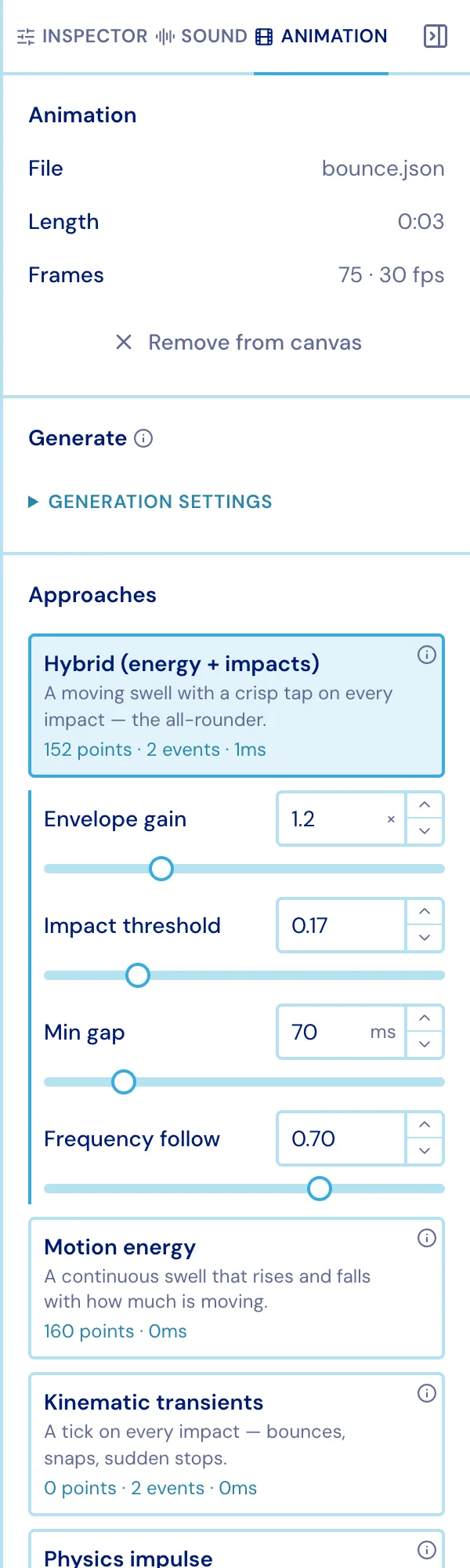
Section titled “From animation”The same shape, for an attached Lottie. Studio samples the animation and measures how much is moving, how fast, and where motion changes direction.
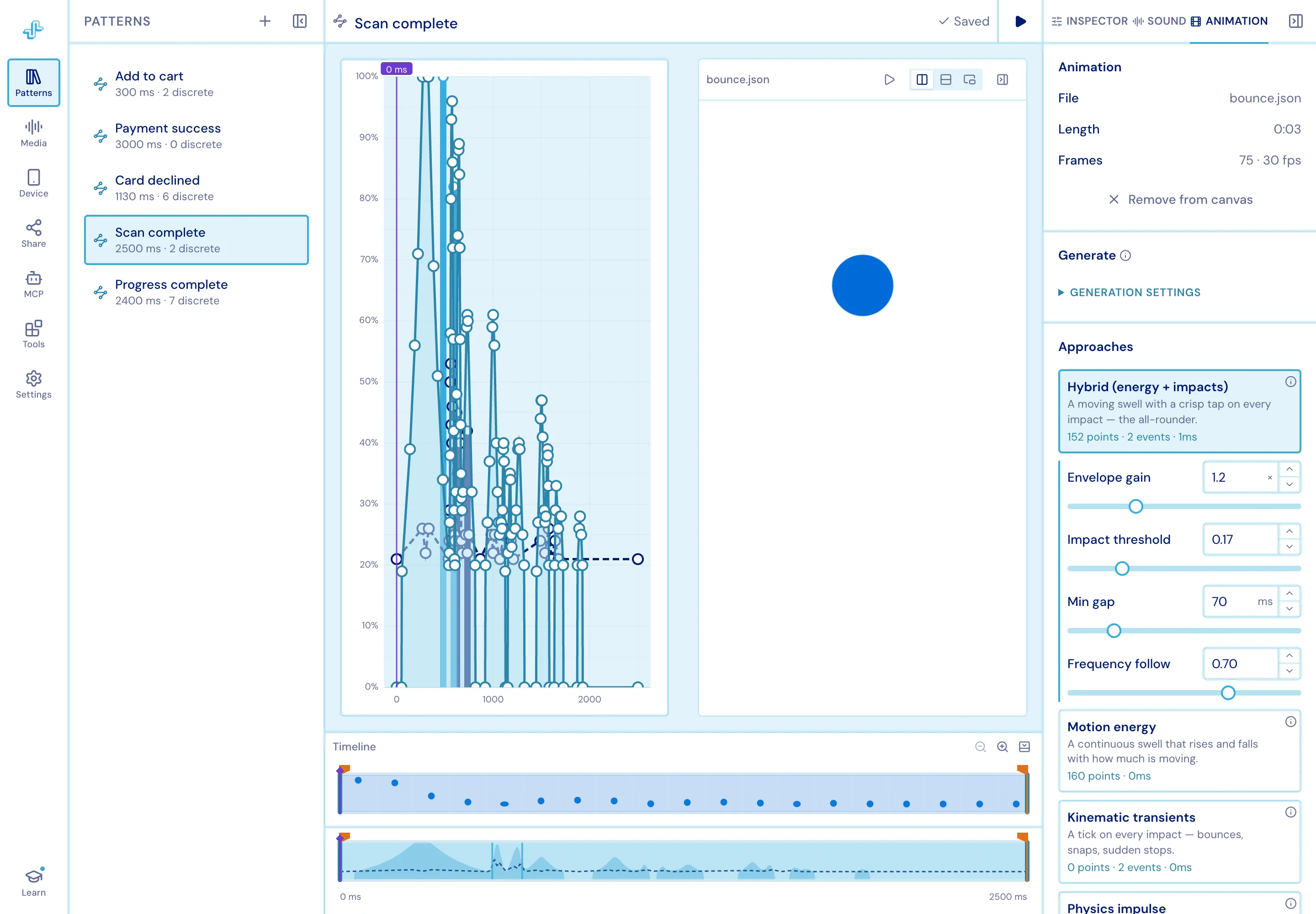
| Approach | What it makes |
|---|---|
| Hybrid (energy + impacts) | A moving swell with a crisp tap on every impact - the all-rounder |
| Motion energy | A continuous swell that rises and falls with how much is moving |
| Kinematic transients | A tick on every impact - bounces, snaps, sudden stops |
| Physics impulse | Collisions and landings weighted by mass and momentum |
| Channel mapping | Each transform channel wired straight to a haptic dimension |
From your own performance
Section titled “From your own performance”Two tools under Tools ▸ Generate turn a performance into a pattern:
- Tap Rhythm - tap a beat on the mouse, touchpad or keyboard and it lands as discrete events.
- Voice Sketch - hum, buzz or shush into the microphone and the shape of the sound becomes a pattern: loudness drives intensity, pitch drives frequency over a fixed 70–600 Hz register, and syllable onsets become taps. Takes are capped at 15 seconds.