Tools
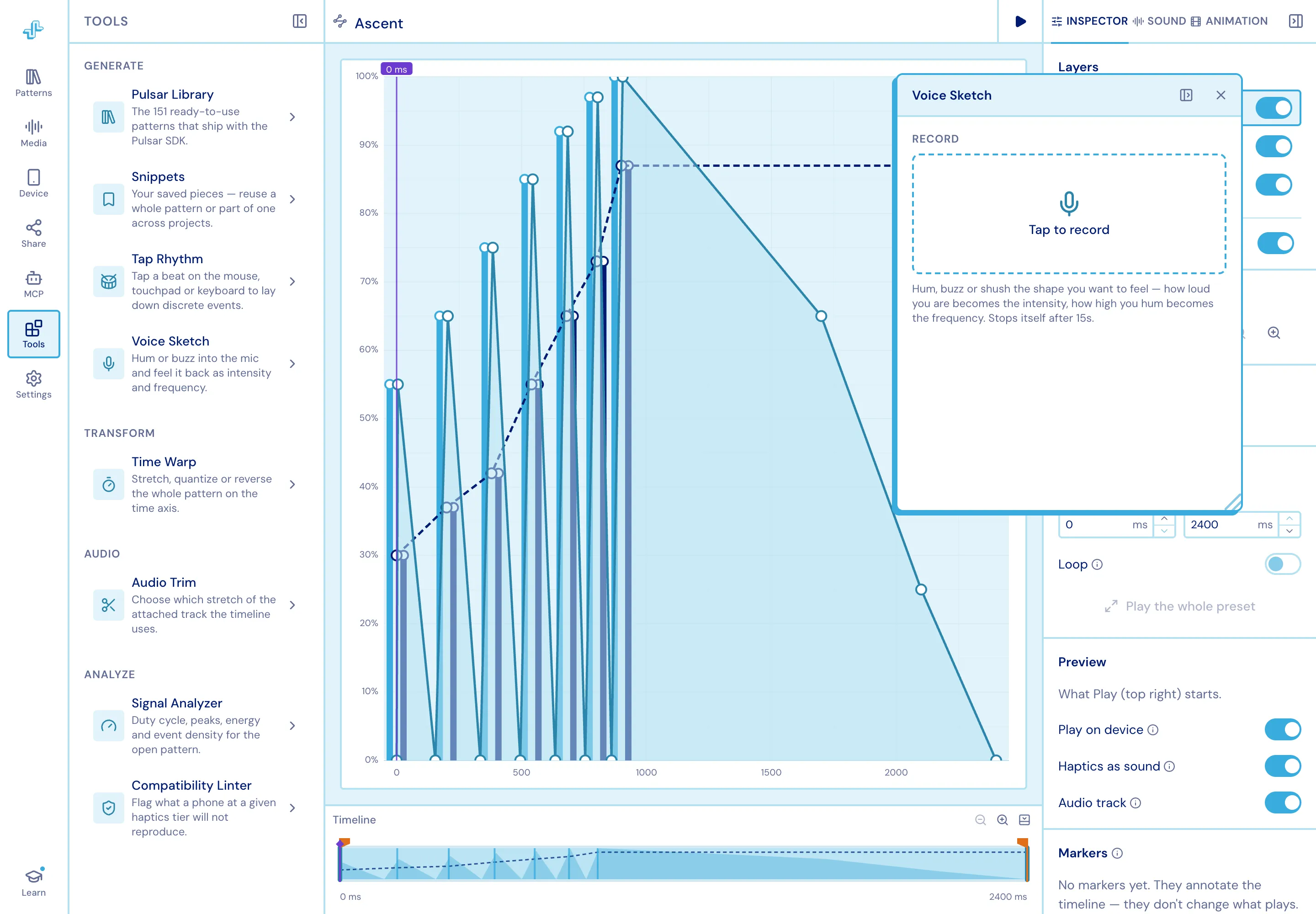
Eight plugins, grouped by what they do. Open one inside the column, or pop it out into a floating window and keep working on the chart underneath.
Generate
Section titled “Generate”Pulsar Library
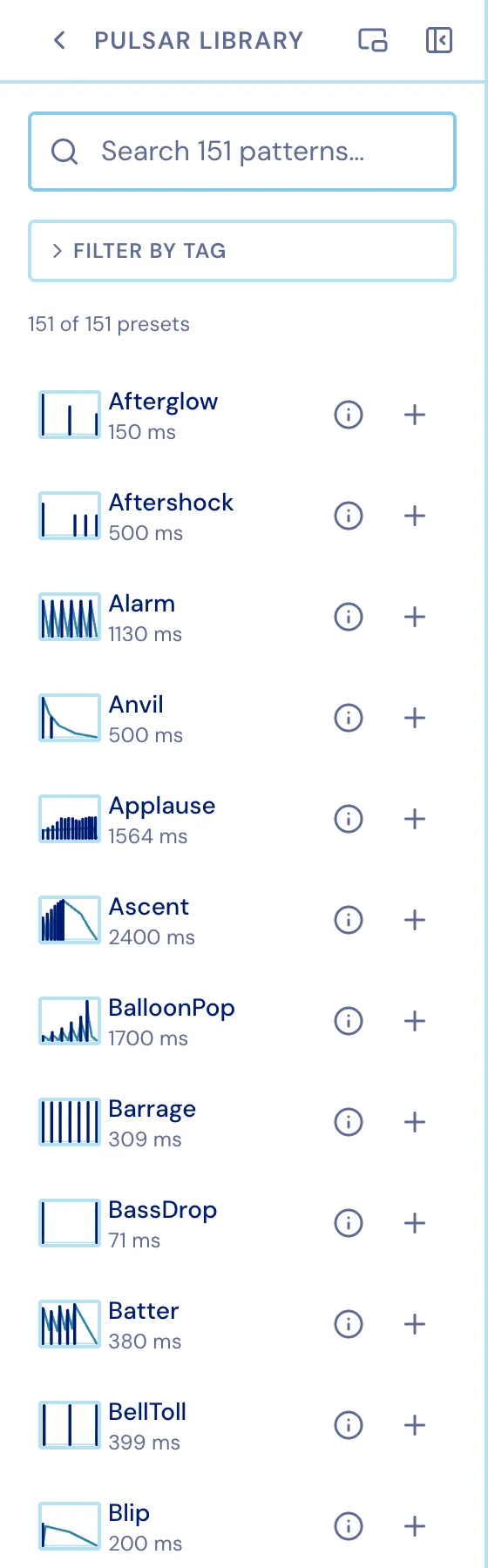
Section titled “Pulsar Library”The 151 ready-to-use patterns that ship with the Pulsar SDK, searchable and tag-filterable, each with a thumbnail and its duration. Insert one into the pattern you have open.
Snippets
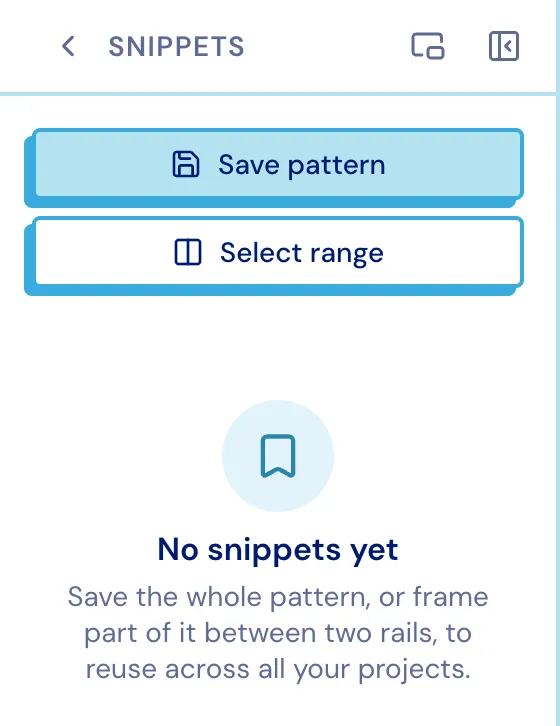
Section titled “Snippets”Your own saved pieces. Capture the whole pattern, or frame a range on the chart and save just that, then drop it back in anywhere - in any project.
Tap Rhythm
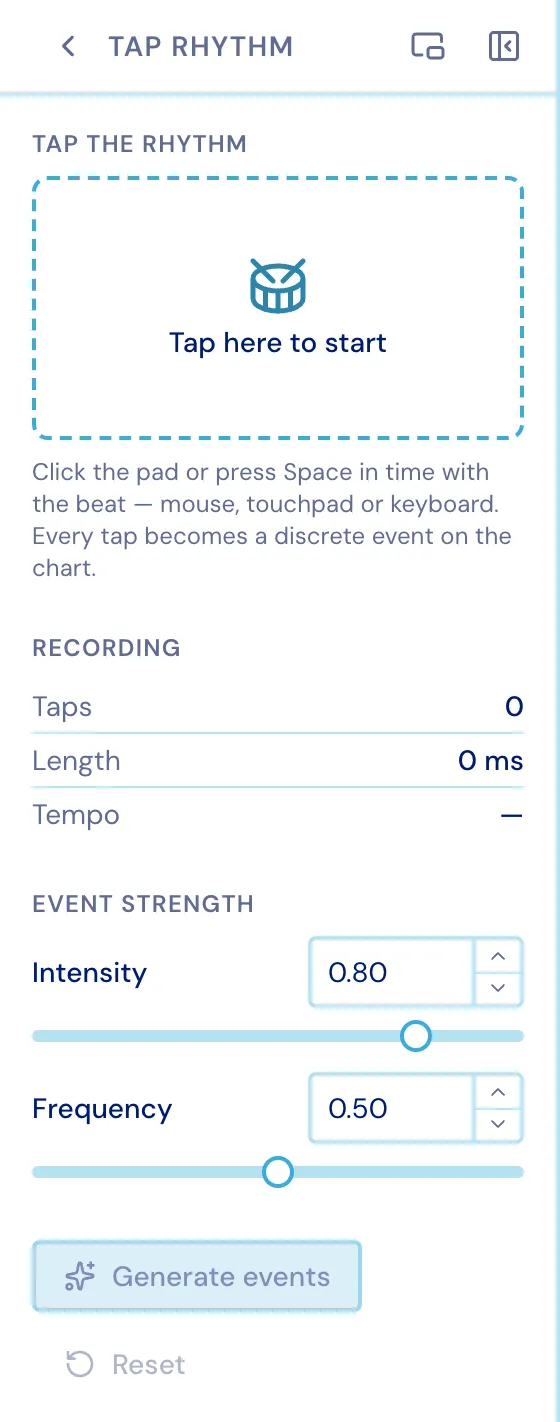
Section titled “Tap Rhythm”Tap a beat on the mouse, touchpad or keyboard; it lands on the Discrete layer.
Voice Sketch
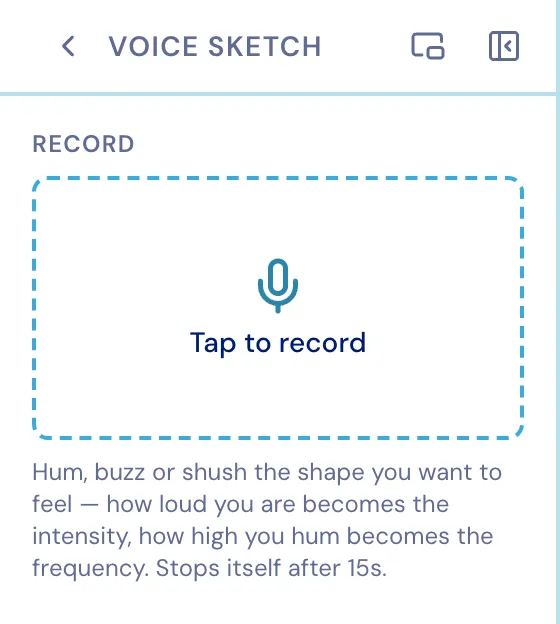
Section titled “Voice Sketch”Hum or buzz into the mic and feel it back as intensity and frequency. Takes stop themselves after 15 seconds.
Transform
Section titled “Transform”Time Warp
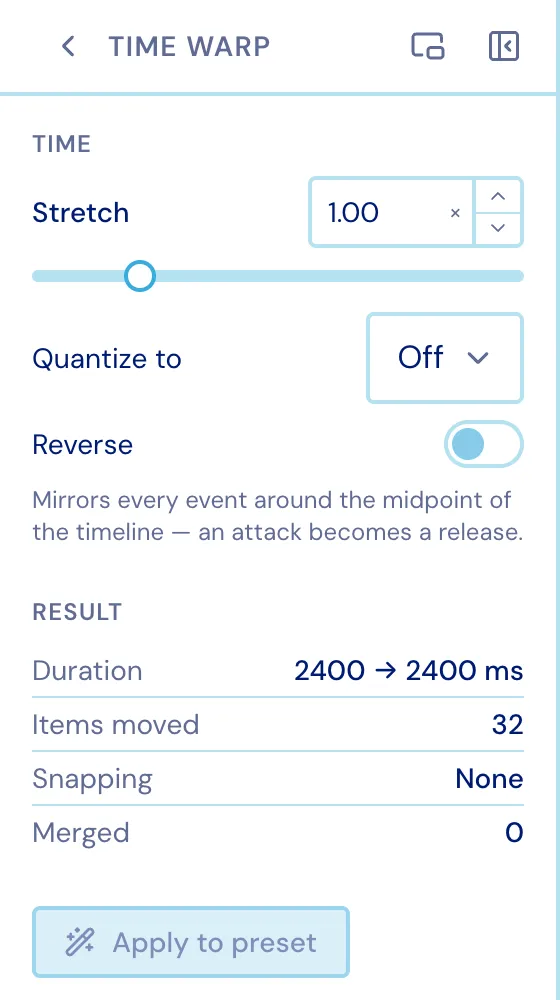
Section titled “Time Warp”Stretch, quantize or reverse the whole pattern on the time axis.
Audio Trim
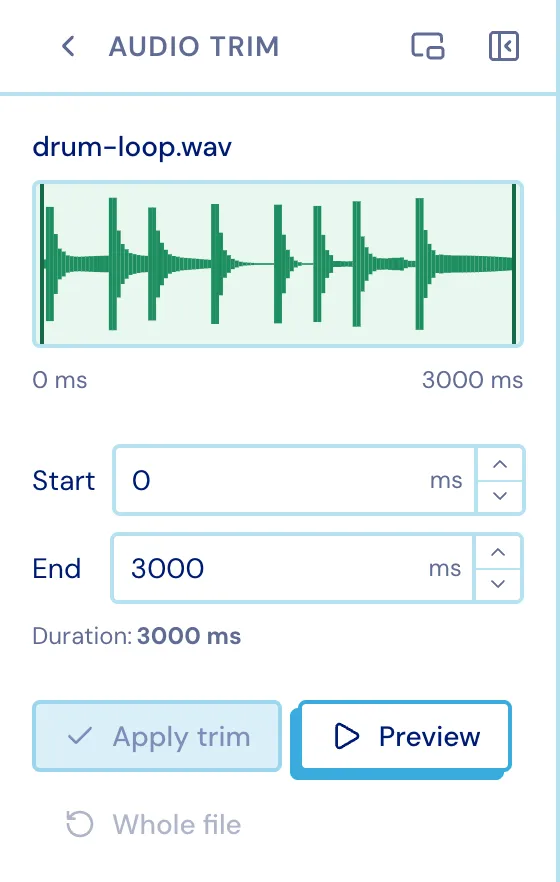
Section titled “Audio Trim”Choose which stretch of the attached track the timeline uses. See Media.
Analyze
Section titled “Analyze”Signal Analyzer
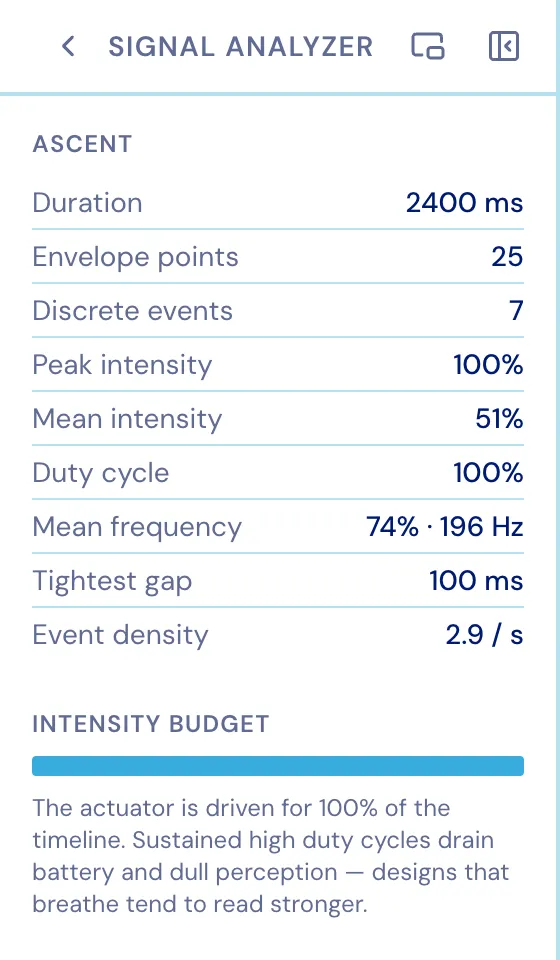
Section titled “Signal Analyzer”Duration, envelope points, discrete events, peak and mean intensity, duty cycle, mean frequency, the tightest gap and event density for the open pattern - plus an intensity budget that says, in words, whether the actuator is being driven too hard for too long.
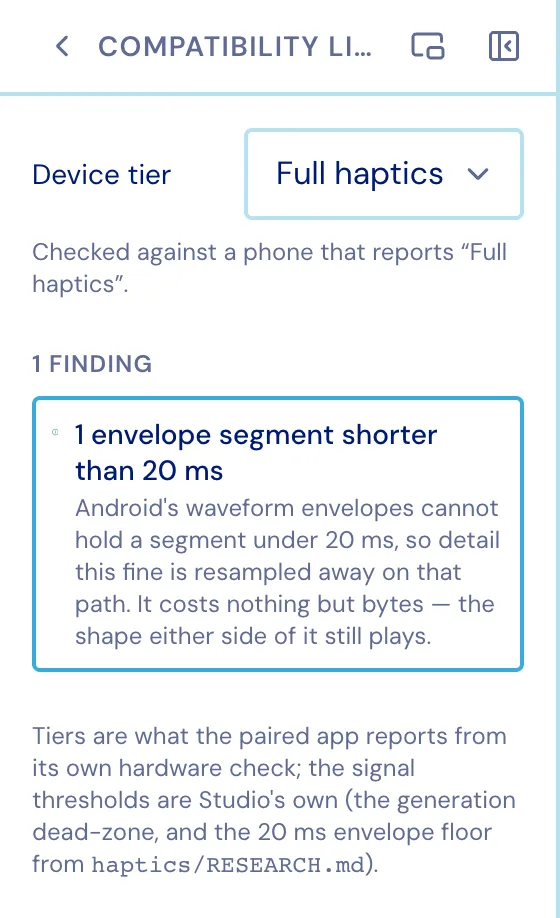
Compatibility Linter
Section titled “Compatibility Linter”Flags what a phone at a given haptics tier will not reproduce, before you ship it.