
Playing it back
One Play button
Section titled “One Play button”There is one Play button, and one press starts everything the pattern has:
- the audible preview - the haptics played through your speakers as a motor-like stand-in, so you can judge a pattern with no hardware in reach;
- the attached audio track;
- the attached animation;
- every armed phone.
Three switches in the Inspector’s Preview block decide what a press covers: Play on device, Haptics as sound and Audio track. The sound stand-in steps aside when something real would take its place - a track that will actually play, or an animation while a phone already carries the haptics. Two sounds at once is neither.
Play is bounded by the play range, the two handles on the timeline. The start marker becomes t=0 on the wire and the values at both markers are sampled from the envelope, so starting mid-fade starts mid-fade.
P plays and stops.
Feeling it on a real phone
Section titled “Feeling it on a real phone”Studio is a sender on the Pulsar relay and the Pulsar app (App Store, Google Play) is a receiver - the same pairing these docs and the Figma plugin use.
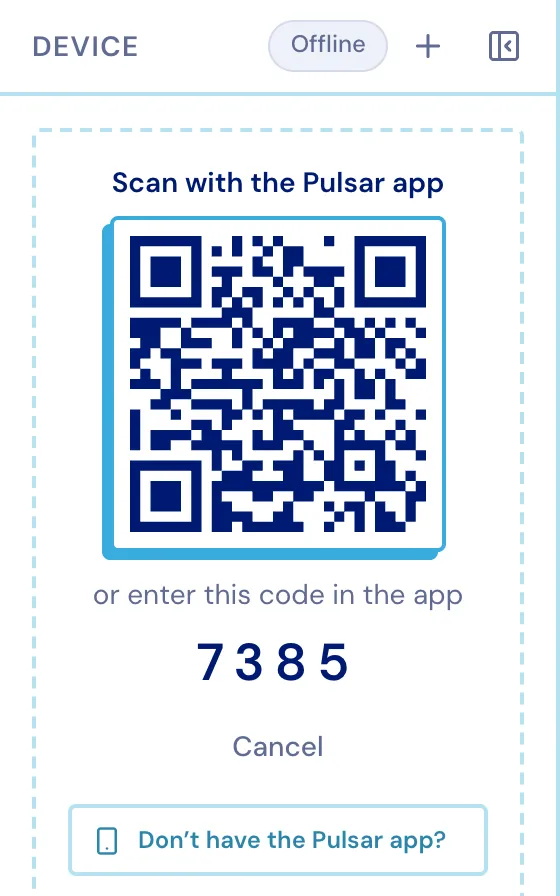
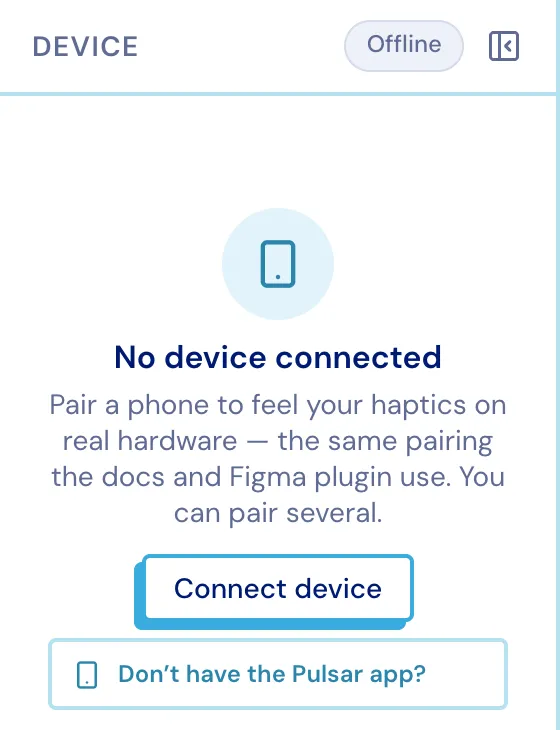
- Device ▸ Connect device mints a four-digit code and a QR.
- Scan the QR with the Pulsar app, or type the code in.
- The pairing is remembered, so a reload silently reconnects.
Worth knowing:
- Pair as many phones as you like. Each is its own channel and a send goes to all of them at once - which is the point, when you are comparing two handsets side by side.
- Each row shows what that phone’s hardware can actually feel, from
nonetoadvanced. - The row switch arms a phone for the toolbar’s Play. The buttons inside the panel ignore it: those are explicit instructions and always fire.
- Paired ≠ connected. A phone that walks away stays paired; sends fail until it comes back, and the token stays valid throughout.
- With audio or an animation attached, the whole file is delivered to the phone (a trim rides along as a window for the SDK to apply) and the whole pattern plays - media sends are not cut to the play range.
Sharing with someone who has no Studio
Section titled “Sharing with someone who has no Studio”Share mints a public link. Whoever opens it gets a QR their phone can scan, and the pattern plays on their device - no account, no editor.
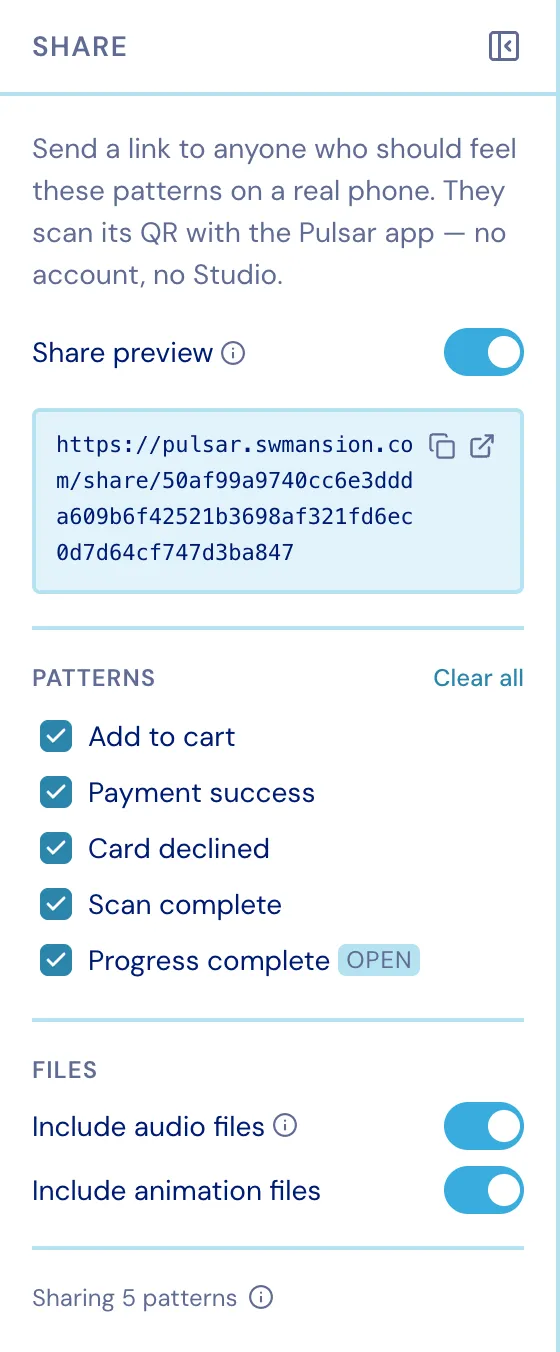
- Pick which patterns the link carries, and whether the audio and animation files ride along.
- The link is live by reference: whoever holds it always gets the current version.
- Turning the link off revokes it. Turning it back on issues a new token, so the old URL stays dead - while your own paired phones keep working throughout.