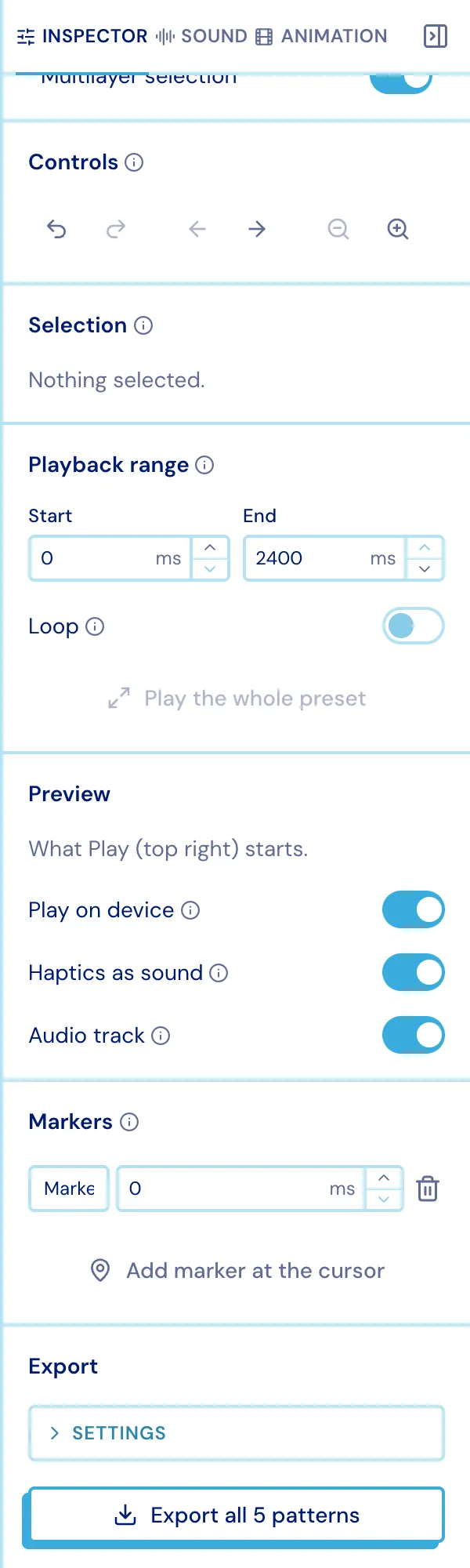
Projects & files
Projects
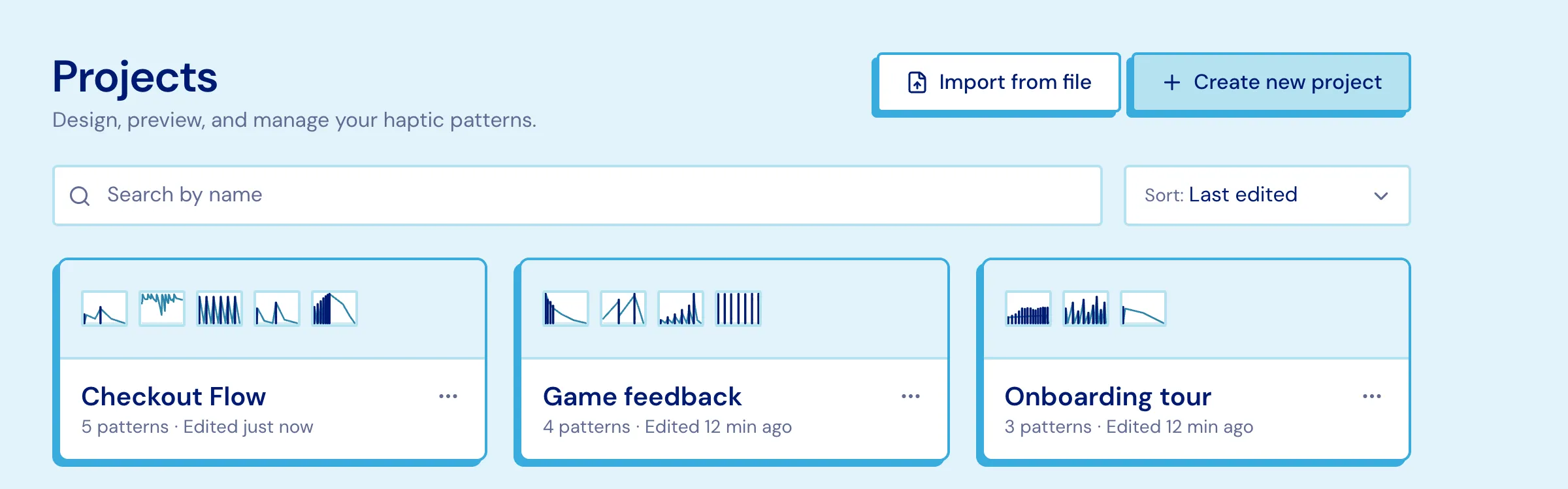
Section titled “Projects”A project holds many patterns plus its uploaded media. On the dashboard you can create one, import one, rename, duplicate or delete it, and search and sort the list.
Drag a pattern thumbnail from one card onto another to copy it there - no need to open either project.
Saving
Section titled “Saving”- Everything is saved locally first. Edits go into this browser immediately and sync to your account when you are online, so a closed tab, a flaky connection or a flight loses nothing.
- The editor autosaves;
⌘S/Ctrl+Sforces a save now. - Only one tab at a time writes a given project. A second tab follows along and can take over.
- If a project changed elsewhere while you had unsynced edits, Studio asks rather than guessing.
Getting patterns in and out
Section titled “Getting patterns in and out”In - Apple Core Haptics .ahap, Lofelt, plain pattern JSON, and .pulsar bundles.
The format is sniffed from the file’s contents, so a misnamed file still works. Drop a
.pulsar on the dashboard to land a whole new project.
Out - a .pulsar bundle: the patterns you tick, plus optionally their audio and
animation files.